Default Tracker Dashboard
The Default Tracker dashboard is a place where you can view general information from any asset-tracking device.
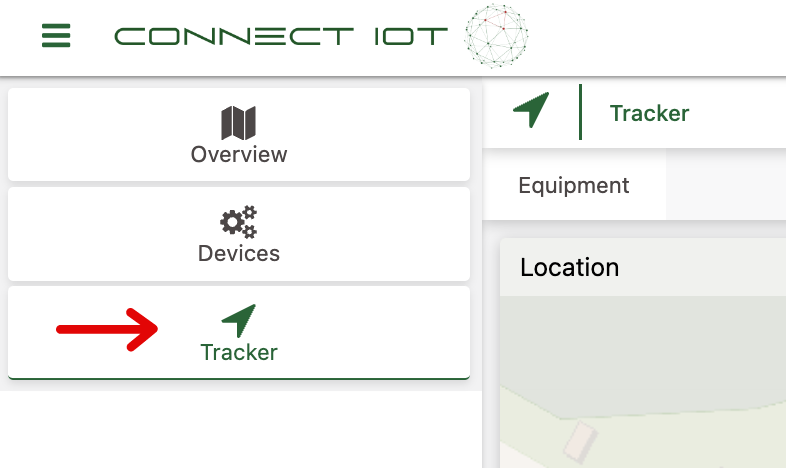
Data Displayed
The Default Tracker dashboard always displays the same information for every asset-tracking device:
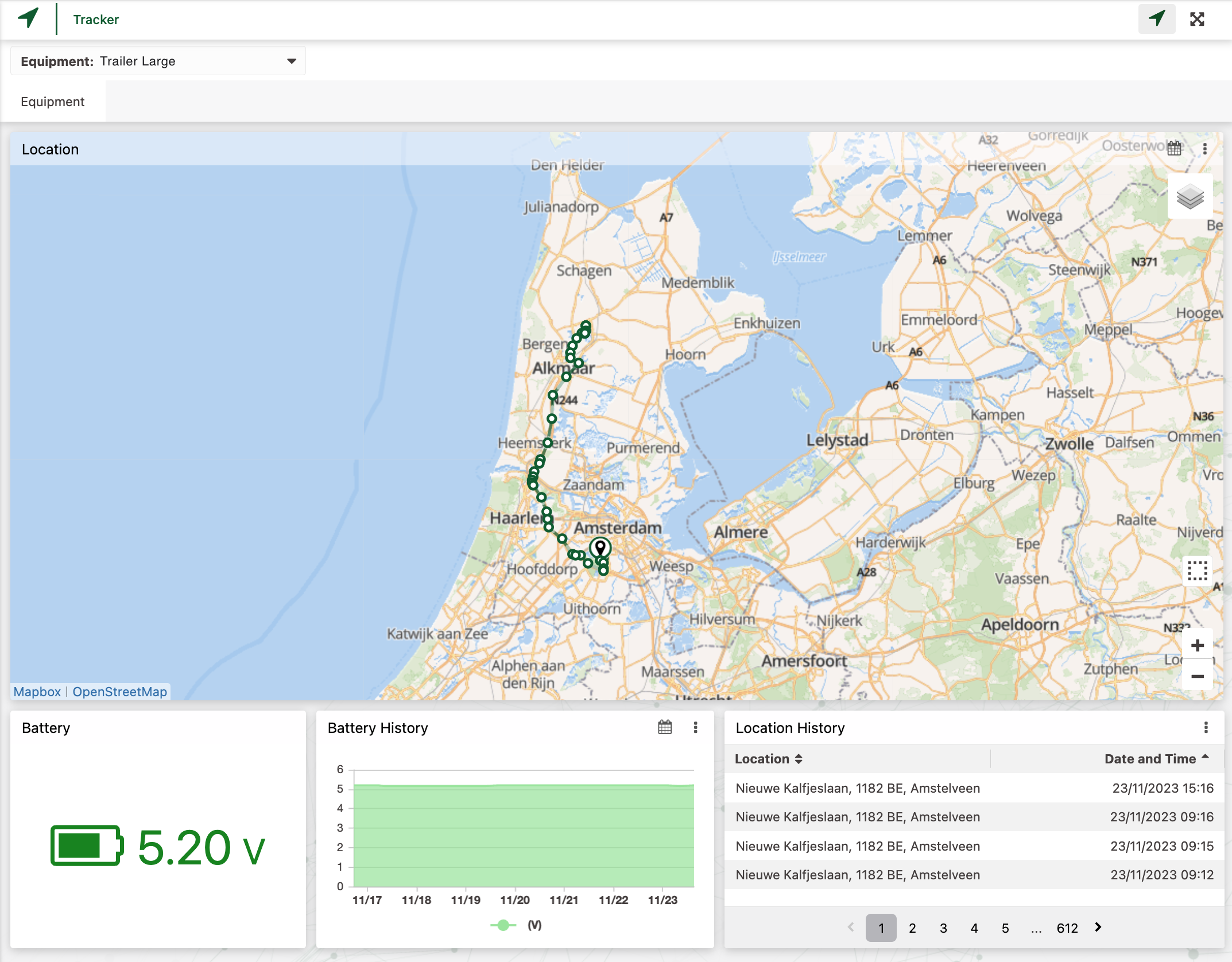
- GPS Location & History on the map
- Latest reported battery status
- Battery History
- GPS Location History in a table
Map Features:
- Click on the map pin or datapoints to view the reported location. Within this pop-up you can click the small icon of a man in the top-right corner next to the x to open the location on your local maps app.
- Click on the calendar icon in the top-right corner of the map header left of the three dots to select a date range for the location history. Default is 24 hours.
- Click on the three dots in the top-right corner of the header to view when the location was last updated. Here you can also export the location history including coordinates and resolved addresses.
Export location history for a custom date range
You can export the location history based on a custom date range by first selecting a date range using the calendar icon and the exporting!
Battery & Battery History Features
- The Battery display reflects the most recent readings, displayed in volts, millivolts, percentage, or other metrics depending on device capabilities.
- The Battery History chart visualizes the power levels over time. Customize your date range and download this information just as you would with location data.
Location History Features
- The Location History log provides a swift review of your asset tracker's journey, enabling you to pinpoint the exact whereabouts of your asset at any given moment without sifting through the map’s data points.
Amazing! You now know the basic features of our platform!