Actions
For all your devices you can create Actions to receive alerts or forward data to your own systems.
You can manage your actions from the Actions dashboard.
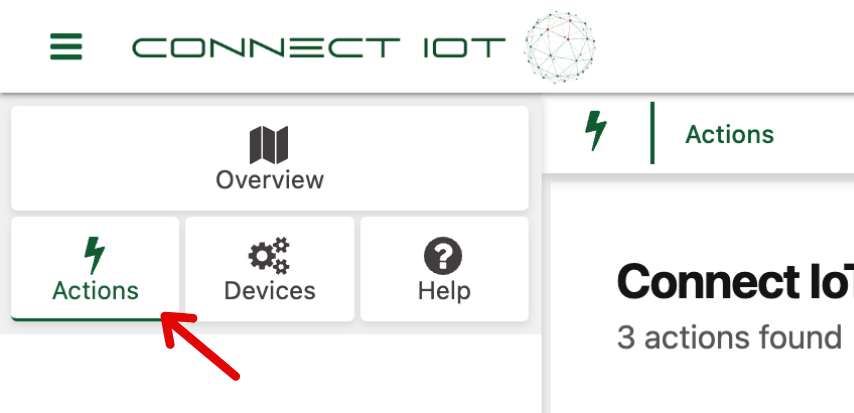
Actions Overview
When you open the actions dashboard you'll see the following interface:
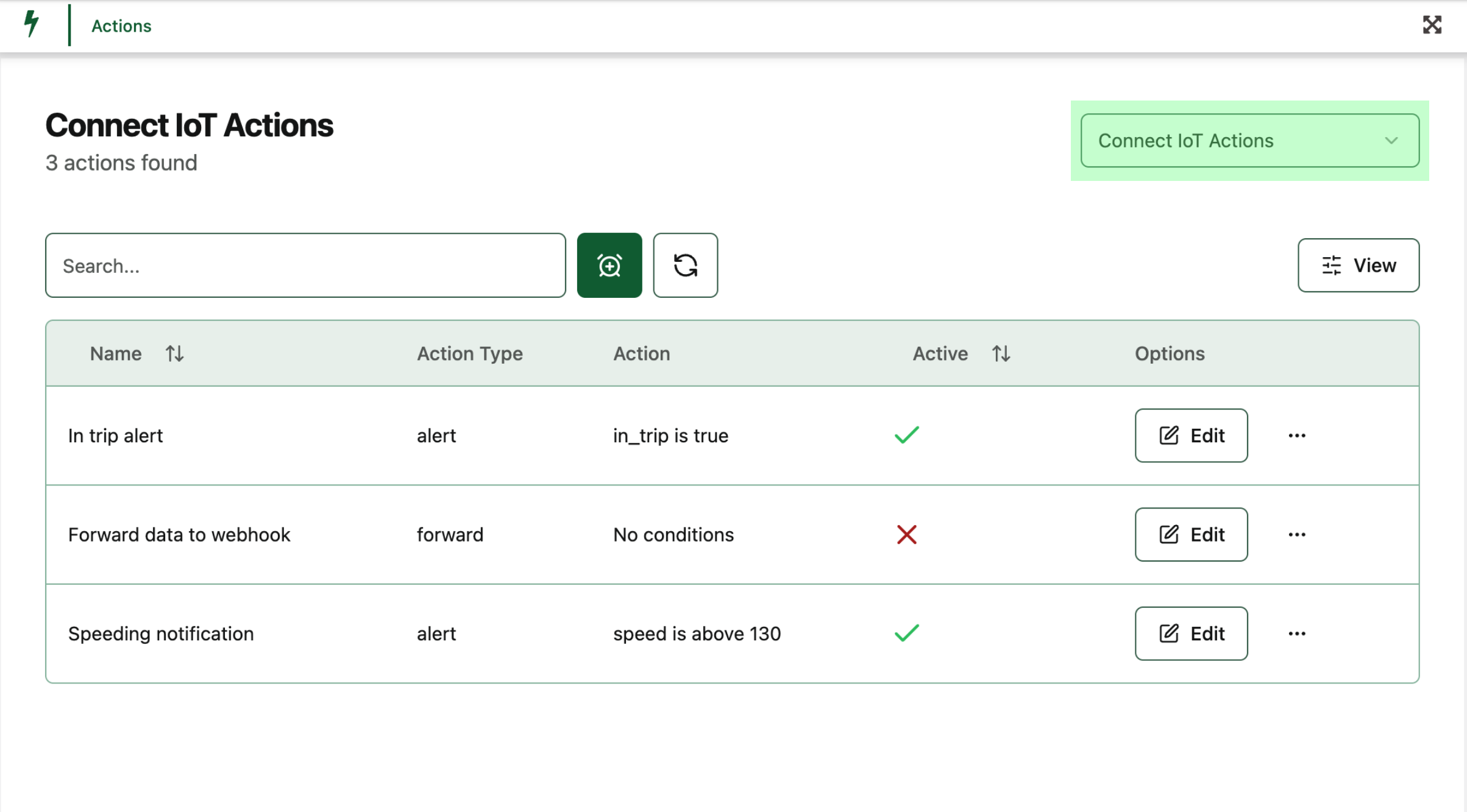
- Green: Organisation selector
Adding an Action
Click Add action to get started. You can choose between two types of actions:
1. Alert Action
Set up alerts for specific devices and conditions.
- Select Alert as the action type.
- Choose the device type (this determines available variables).
- Select one or more devices of that type.
- Optionally add a custom message to prefix the alert.
- Define the trigger condition: select a variable, operator, and value(s).
- Optionally but highly recommended, define one or more unlock conditions. While the trigger condition is true, alerts will only be sent once until an unlock condition is met.
Example generated alert message:
Alert: Speed alert
Speeding! Speed is above 130 for Company Car
2. Forward Action
Send all data from selected devices to an external system as a POST request.
- Select Forward as the action type.
- Choose the devices you want to forward data for.
- Enter the destination URL.
- Optionally add HTTP headers in JSON format (e.g.
{ "Authorization": "Bearer token" }).
Example forwarded payload:
{
	"device_id": 1,
	"device_time": "2025-04-20T06:09:00.000000+00:00",
	"fcnt": 1234,
	"battery": 5250,
	"latitude": 52.6383024,
	"longitude": 4.7359813,
	"speed": 40,
	"geocode": "Wognumsebuurt 3, 1817 BH Alkmaar",
	"in_trip": true,
	"dev_eui": "1233D57050045678"
}
Editing an Action
Click the pencil icon on any existing action to edit it. The edit screen is the same as the creation screen, prefilled with current values.
Deleting an Action
To delete an action, select the action and click the bin icon to delete it.
Great! You now know how to add, edit, and delete alert and forward actions.
Coming Soon
We're working on exciting new features to make actions even more powerful:
- Send alerts via email to one or more contacts
- Out-of-hours alerting: define a time window for when alerts should or shouldn't trigger